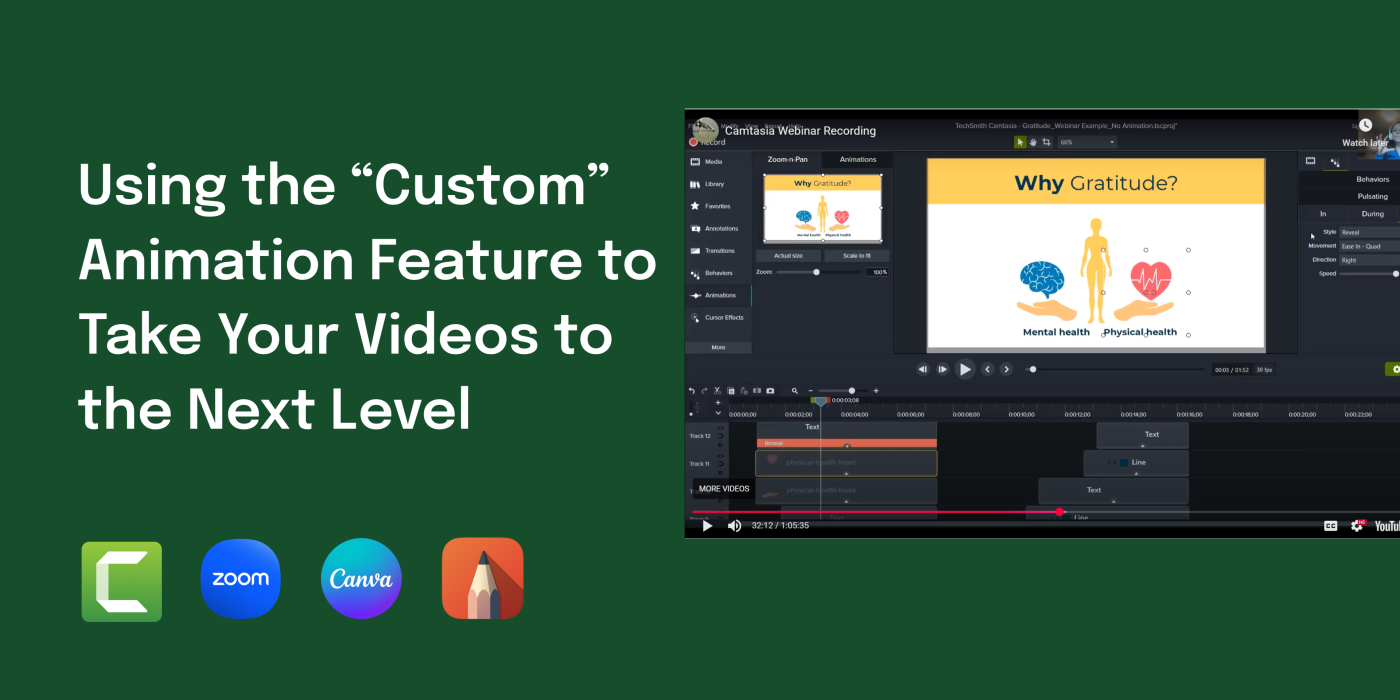
Project: Camtasia Webinar
Goal: The aim of this project was to create a 60-minute webinar with a mixture of “Absorb, Connect, and Do” activities.
Class: INTE 5670 Crafting Synchronous Learning
Team Members: Dayna Torrieri, Sr. Instructional Designer
Role: Instructional Designer
Technology used: Zoom, Camtasia, Canva, Sketchbook Pro
As a team, Dayna and I assessed the learning outcomes using backwards design. We planned by developing a timeline, assigning tasks, and communication between ourselves and learners.
Before the webinar occurred, promotional materials were sent out, communication with learners to make sure they had the correct license, as well as learning aides.
Materials:
- Flyer (sent before the webinar)
- Registration link (to see who had access or needed assistance accessing Camtasia 2020)
- Slide Animation (sent before webinar – promotion)
- Handouts (aides before, during, and after the webinar)
- Animation Assets (Links to an external site.) (download and extract prior to webinar)
- How to download and open assets (video (Links to an external site.))
Webinar: